Implementation Guide
Local Logic’s NeighborhoodWrap product suite is an out-of-the-box community page solution designed to help you quickly add relevant and hyper-localized community content to your website.
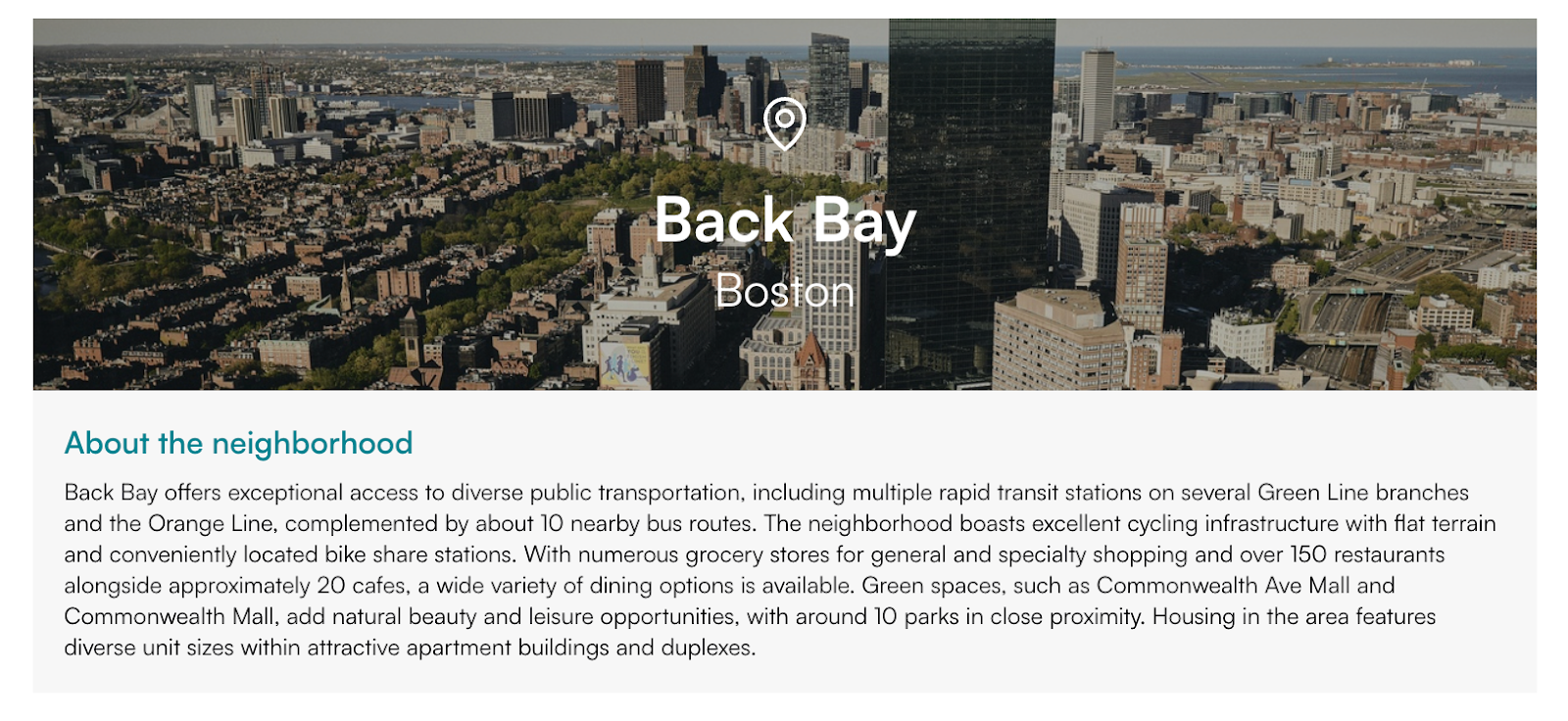
The NeighborhoodWrap suite consists of a series of components, each implemented as an individual SDK, which can be mixed and matched to give you full control over the content and layout of your community page. You can see the full list of available NeighborhoodWrap SDKs here. For customers desiring even more control over their layout and styling, the underlying APIs that power the NeighborhoodWrap SDKs are also available for purchase.
Implementation
NeighborhoodWrap SDKs may be initialized with either a latitude and longitude pair or a Local Logic geog_id.
Our recommended approach is initialization with a geog_id, as this will give you precise control of the community that is displayed in the SDKs. To locate the geog_id for your community, you may search the following tab-delimited files, which include geog_ids for all supported geographies.
For more information on initializing NeighborhoodWrap with a geog_id or latitude and longitude pair, please see the Implementation section of our developer documentation.
Best Practices
Adhering to the following best practices will provide the optimal experience for both you and your visitors.
Use Imagery to Highlight Your Communities
The Neighborhood Hero SDK includes a default placeholder image that appears behind the display name of the community. For best results, we recommend that you choose appropriate imagery that highlights the qualities of each community. Vibrant, colorful imagery will improve your user experience and help visitors distinguish between each community on your site.
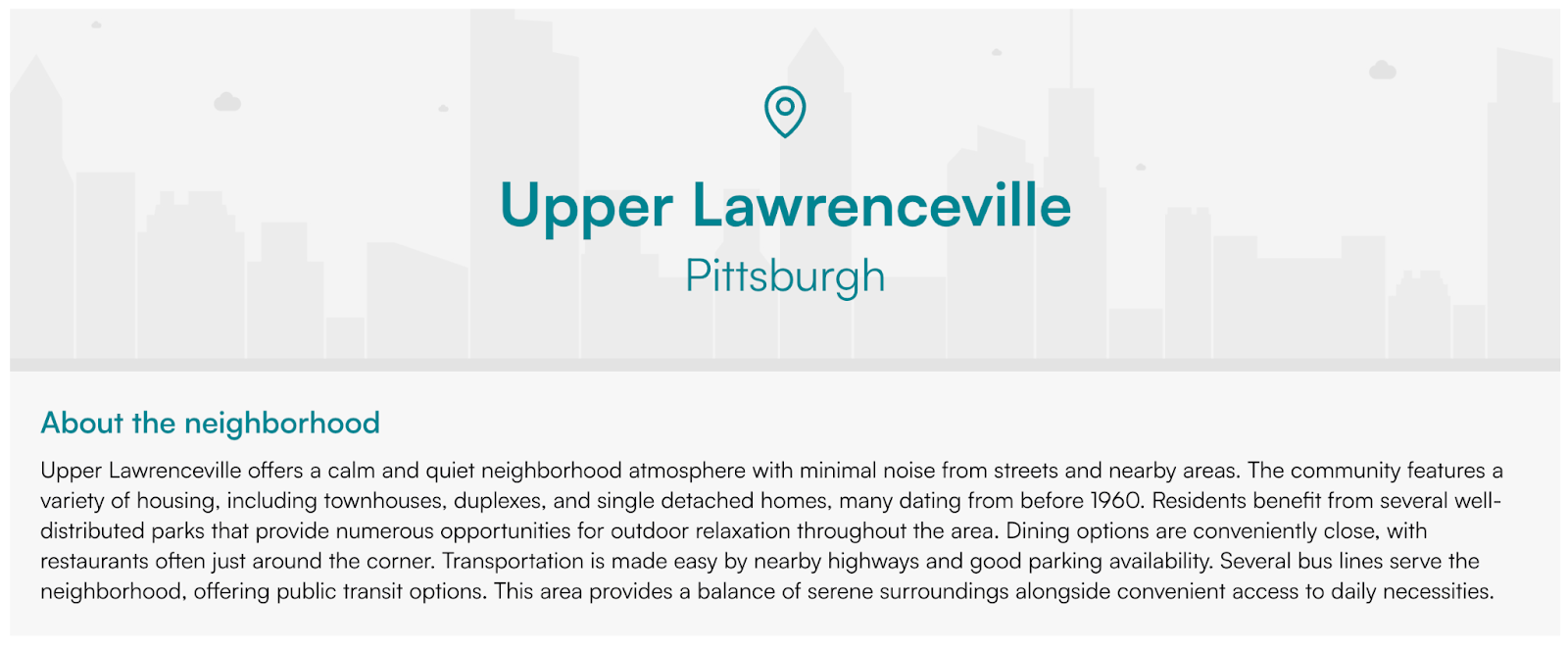
To learn more, see the sdkOptions.image parameter of the NeighborhoodHero initialization options.
Use Custom Colors and Fonts to Create a Seamless Implementation
Each NeighborhoodWrap SDK can be fully customized with your desired color palette and font family. You can use these customization options to ensure each SDK is rendered with a color palette and font family that best aligns with the design already present on your website, for a seamless look and feel.
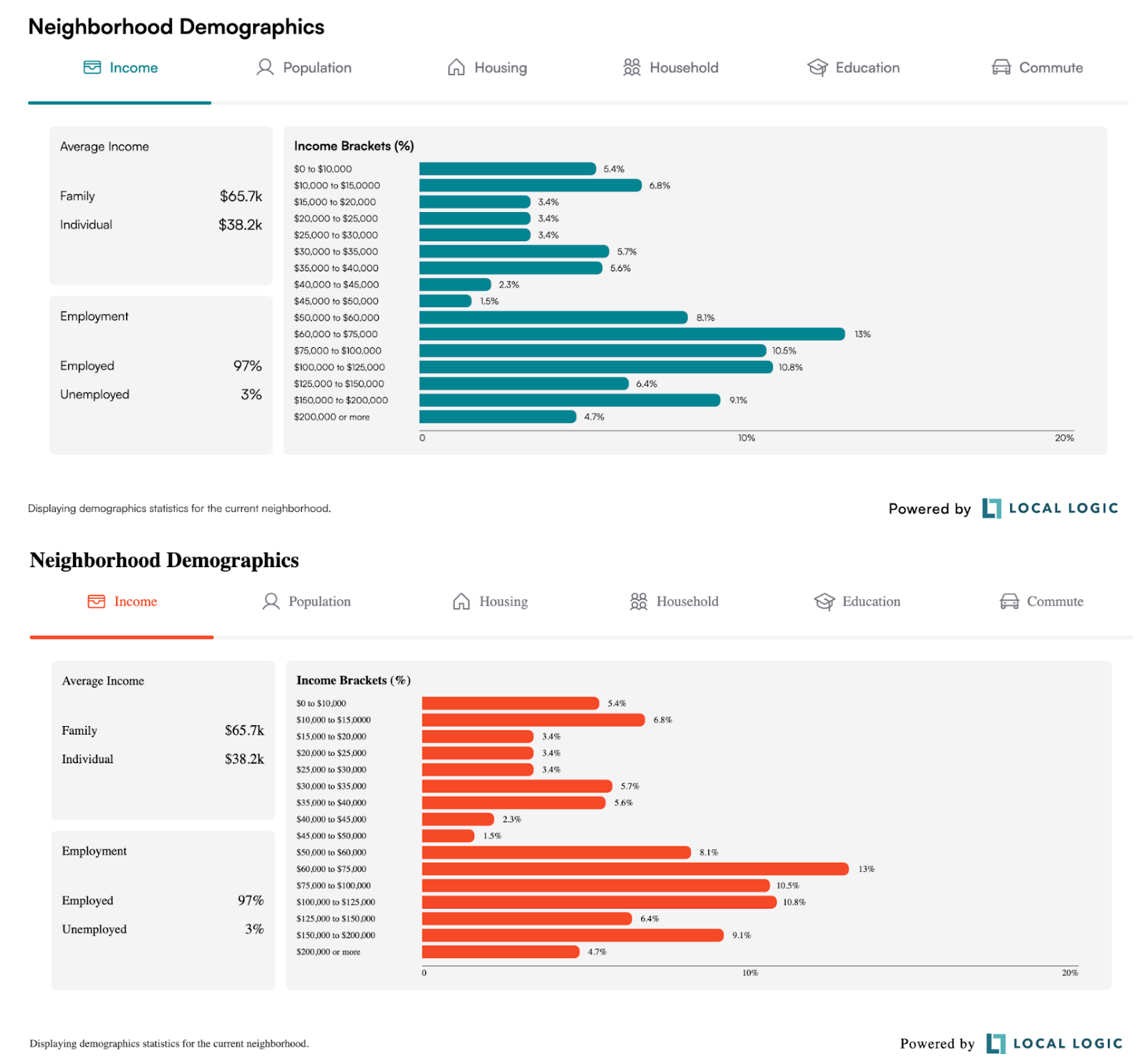
Customization options may vary for each SDK. To learn more, see the Appearance section of each SDK’s developer documentation.