Implementation Guide
Local Logic’s Lead Capture SDK is a turnkey lead magnet solution that attracts and converts consumer leads on your website.
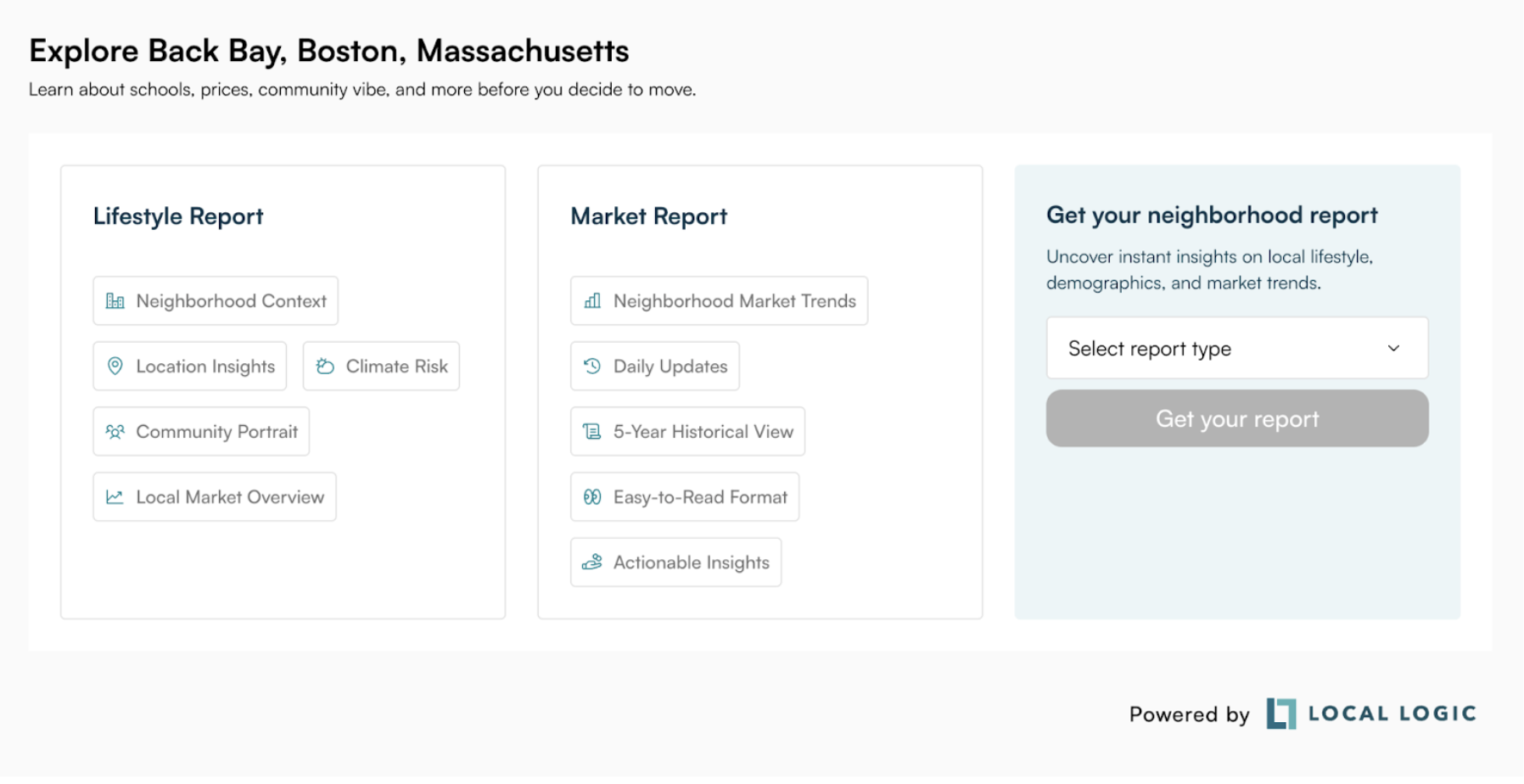
Lead Capture offers consumers a Lifestyle Report or Market Report (US only) for the neighborhood they are currently viewing, in exchange for their contact information. Once a consumer has provided their contact information, an email containing the requested reports is automatically sent to the consumer, and a separate email containing the consumer’s contact information is automatically emailed to the addresses you provide.
Property Detail Page Implementation
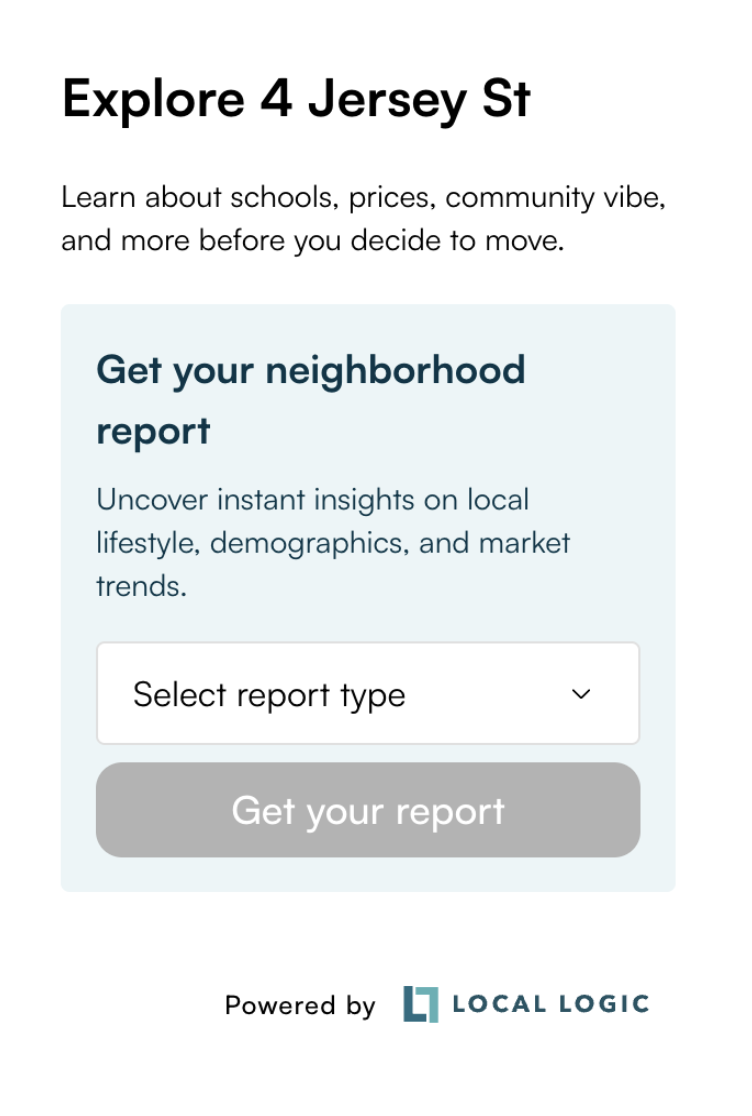
When installed on a property detail page, Lead Capture should be initiated with a latitude and longitude pair for the current property, often available in your IDX feed.
In addition, you should provide an address label clearly describing the property. This label will appear on the title of the Lead Capture form, the email sent to the consumer, and the title pages of the requested reports. See the Usage Examples section of our documentation for an example of initialization using latitude, longitude, and an address label.
Placement on Property Detail Pages
When implemented on a property detail page, Lead Capture is best positioned on a side rail in vertical layout. When constrained to a small width, Lead Capture will automatically render in a concise, vertical layout.
Community Page Implementation
When installed on a community page, Lead Capture should be initialized with the Local Logic geog_id that identifies that community. If you are using Lead Capture alongside our NeighborhoodWrap product, then you should initialize NeighborhoodWrap and Lead Capture with the same geog_ids. If you are unsure of the geog_id that maps to your community, please contact us at support@locallogic.co, and we’ll be happy to help you identify the correct geog_id. Geog_ids can also be retrieved using Local Logic's Geographies API. See the Usage Examples section of our documentation for an example of initialization using a geog_id.
Note that when Lead Capture is initialized with a geog_id, the latitude, longitude, and address label parameters are ignored. The label describing the property in the title of the Lead Capture form, email sent to the consumer, and the title pages of the requested reports will be set from the community title associated with the provided geog_id.
Placement on Community Pages
When implemented on a community page, Lead Capture is best positioned in a horizontal layout.
Best Practices
Adhering to the following best practices will provide the optimal experience for both you and your visitors.
Take Advantage of Custom Branding to Increase Brand Awareness
Reports sent to consumers by Lead Capture can fully incorporate your brand identity, including your logo and color palette. In addition, the Lead Capture SDK can be customized to use your brand’s primary color and font. See the Appearance section of our docs for more information on SDK branding.
Install Lead Capture in a Prominent Area
Avoid installing Lead Capture near the bottom of your page, or far below the fold. Installing Lead Cpature in a prominent spot will increase visibility, which will increase conversion.
Avoid Multiple CTAs on the Same Page
Avoid installing Lead Capture on a page that already has existing CTAs, such as an open house widget or a mortgage lead tool. Multiple CTAs on a single page can confuse consumers, reducing overall lead conversions.