Implementation Guide
Local Logic’s Local Demographics SDK adds local demographic information to any property detail page to help homebuyers better understand the demographic composition of the local area.
Implementation
Local Demographics is installed as an iframe that can be easily embedded on any page. Our iframe distribution model ensures the product always loads the latest available version of the SDK, meaning that required manual updates by our customers are rare.
Initializing the SDK
Local Demographics should be initialized with a latitude and longitude pair that represents the listing’s location. Demographic information is aggregated within a 400-meter radius of the given coordinate pair.
Coordinate pairs are typically included in most IDX feeds. If a coordinate pair is not available for your listing, many third-party geocoding services exist that can convert a provided address into a valid coordinate pair.
Best Practices
Customize Local Demographics' appearance to match your brand
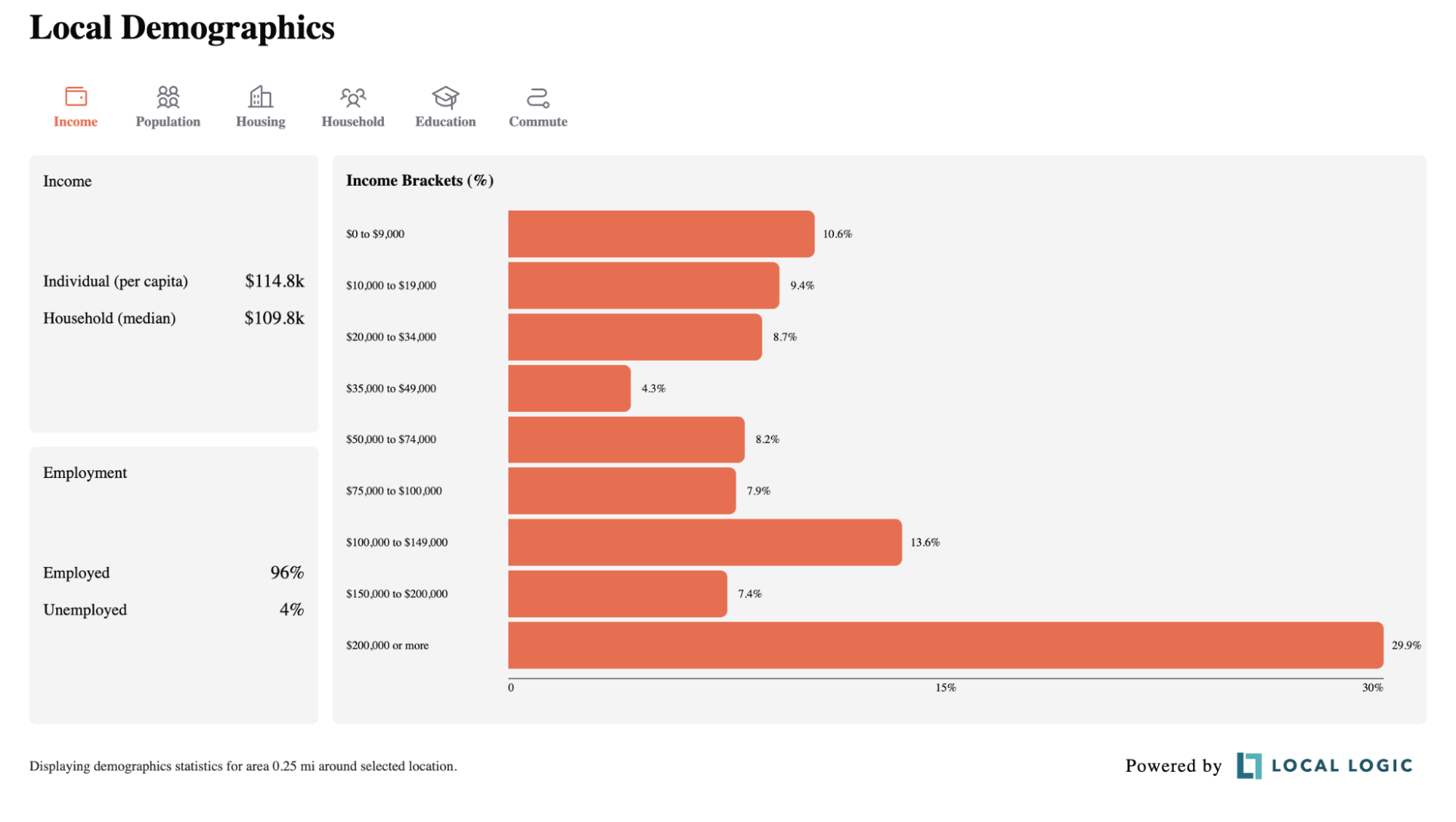
Key colors in Local Demographics' color palette can be customized to match your brand identity, giving the product a seamless appearance on your website. Additionally, you may also customize the font family displayed in Local Demographics to match the family already in use on your website. The image below shows Local Demographics customized with an orange key color and a serif font family.
Allocate appropriate space to Local Demographics
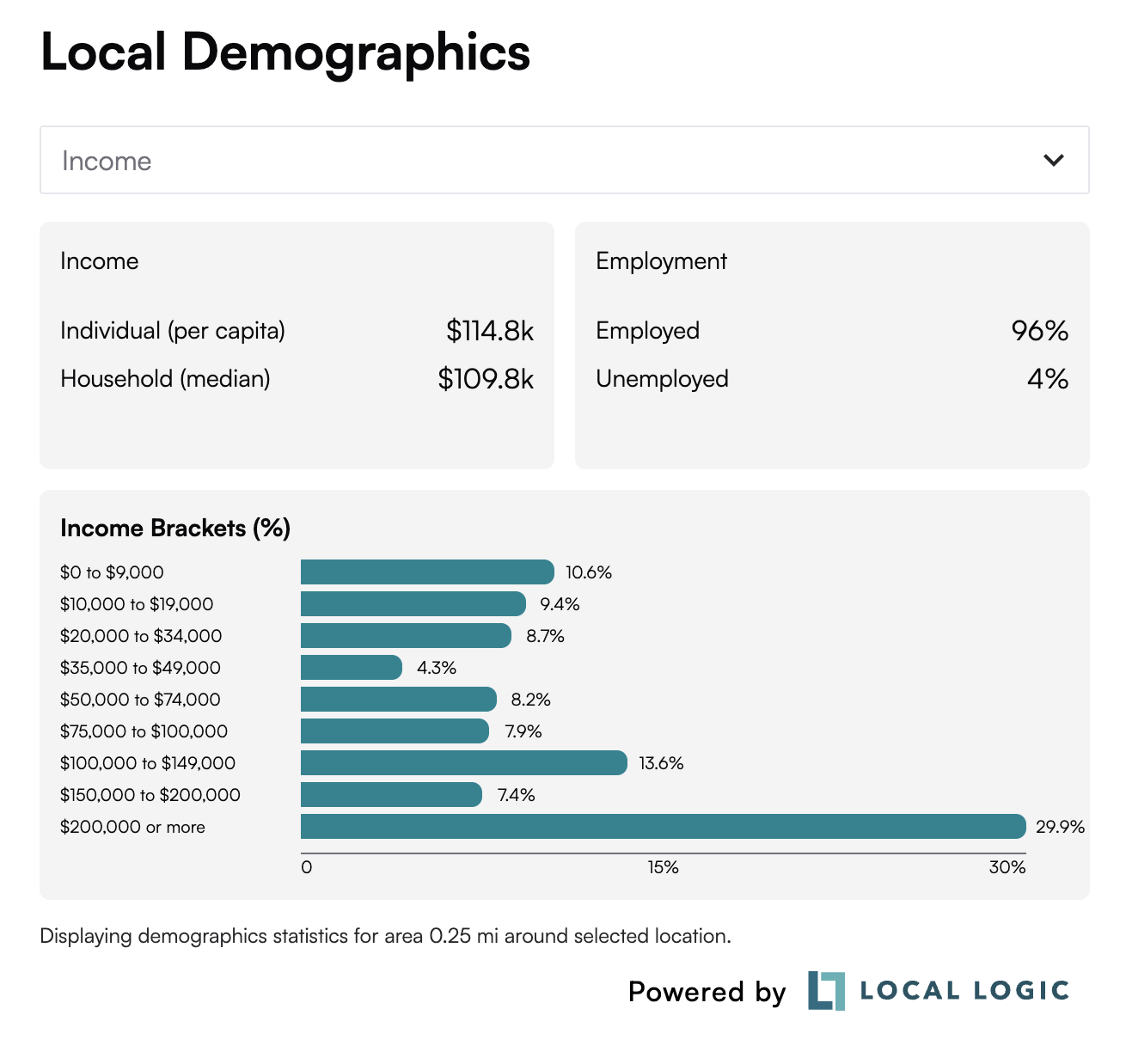
Local Demographics is designed as a responsive SDK. When viewed or installed at a width of less than 768 pixels, Local Demographics will automatically convert to a vertically optimized mobile view, as shown here.
This is a progressive conversion, with more elements becoming vertically optimized as the width decreases.
Highlight the most important measure for your listing
By default, Local Demographics initially displays the Income tab. However, you can help homebuyers find the most relevant demographic information for their listing by overriding this default.
For example, are your homebuyers most interested in local schools? Then set the Education tab to display by default. For more information, see the Tab section of our documentation.